
Download Houseplan – 3D modeling, 3D design, 3D architecture, 3D home design, 3D floor plan
Overview
Houseplan is a mobile application designed for creating and rendering 3D architectural designs directly on smartphones and tablets. The app targets users who need a lightweight yet powerful tool for visualizing home layouts, interior spaces, and structural concepts without relying on desktop-based software. It serves as a practical solution for hobbyists, aspiring architects, interior designers, and DIY enthusiasts seeking an accessible platform for 3D modeling. The app’s purpose lies in bridging the gap between conceptual design and visual realization by offering intuitive tools and real-time feedback.
By enabling users to build and view 3D models on mobile devices, Houseplan supports on-the-go creativity and collaborative design processes. Whether sketching a new room layout or refining a full home plan, the app allows for immediate visualization of spatial relationships and aesthetic choices. Its 30-day free trial with full functionality offers a risk-free opportunity to evaluate the software’s capabilities before purchase. The developer, Houseplan, positions the app as a budget-friendly alternative to professional-grade desktop tools, emphasizing efficiency and ease of use.
Although the developer did not provide additional technical details about their background or company history, the app’s focus on accessibility and performance suggests a commitment to user-centered design. In the growing mobile productivity ecosystem, Houseplan fills a niche for users who prioritize portability and simplicity without sacrificing core 3D modeling functionality.
Key Features & Functionality
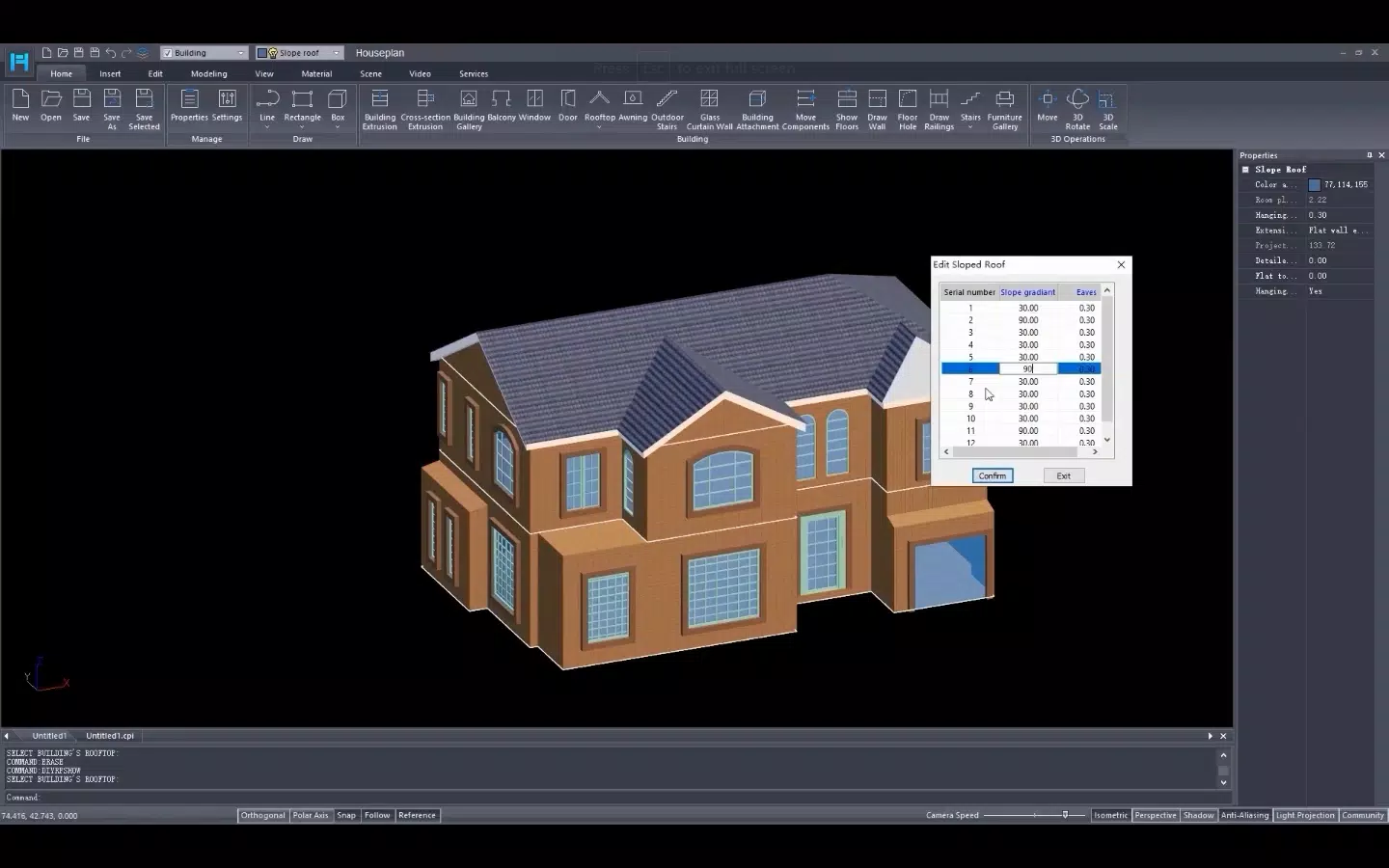
- Easy-to-learn Interface: Houseplan features a clean, intuitive layout that minimizes complexity. The interface is structured to reduce cognitive load, allowing users to navigate tools and menus without prior training. This design benefits beginners who are new to 3D modeling while still offering enough depth for experienced users to work efficiently.
- Real-time Rendering: As users manipulate objects or adjust dimensions, the app renders changes instantly. This capability enhances the design workflow by providing immediate visual confirmation, reducing the need for trial-and-error iterations and helping users make confident decisions during the creative process.
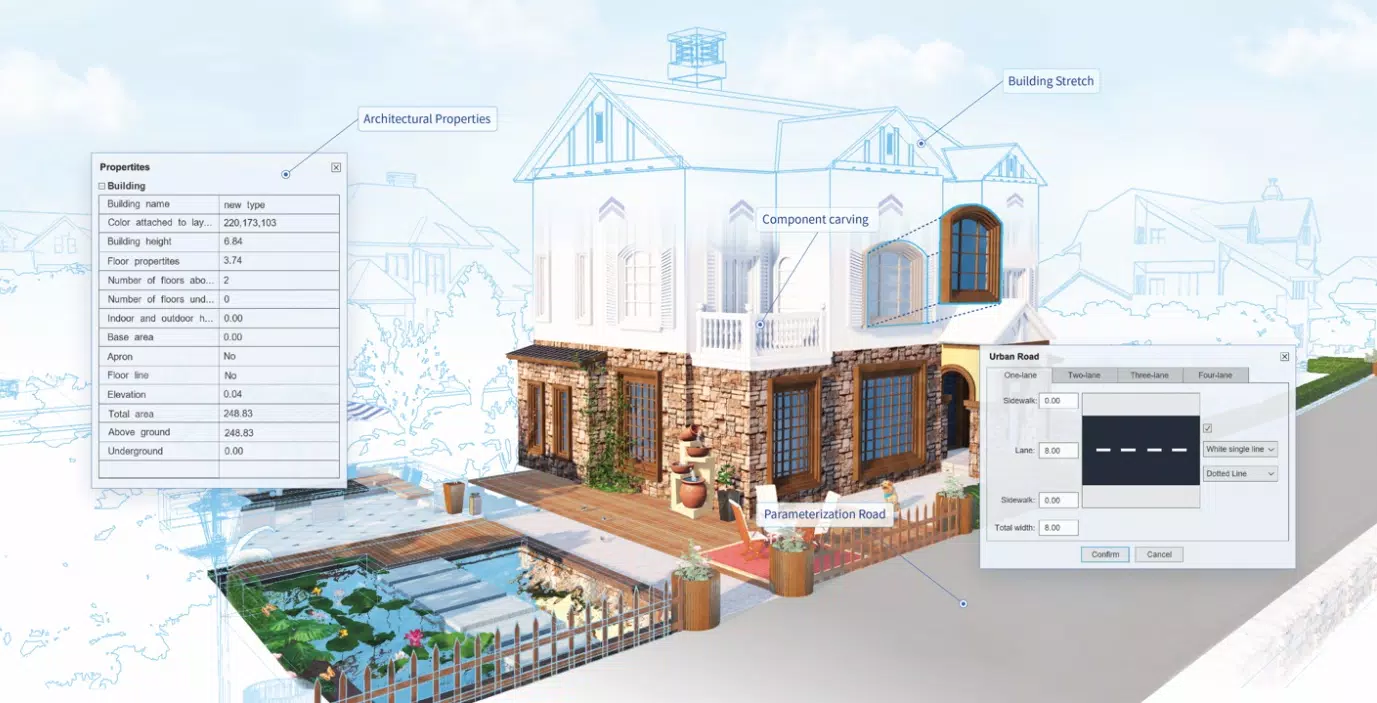
- Multiple Modeling Methods: The app supports various approaches to model creation, including geometric primitives, extrusion, and snapping tools. This flexibility allows users to adapt their workflow to different project types, from simple room layouts to complex architectural forms.
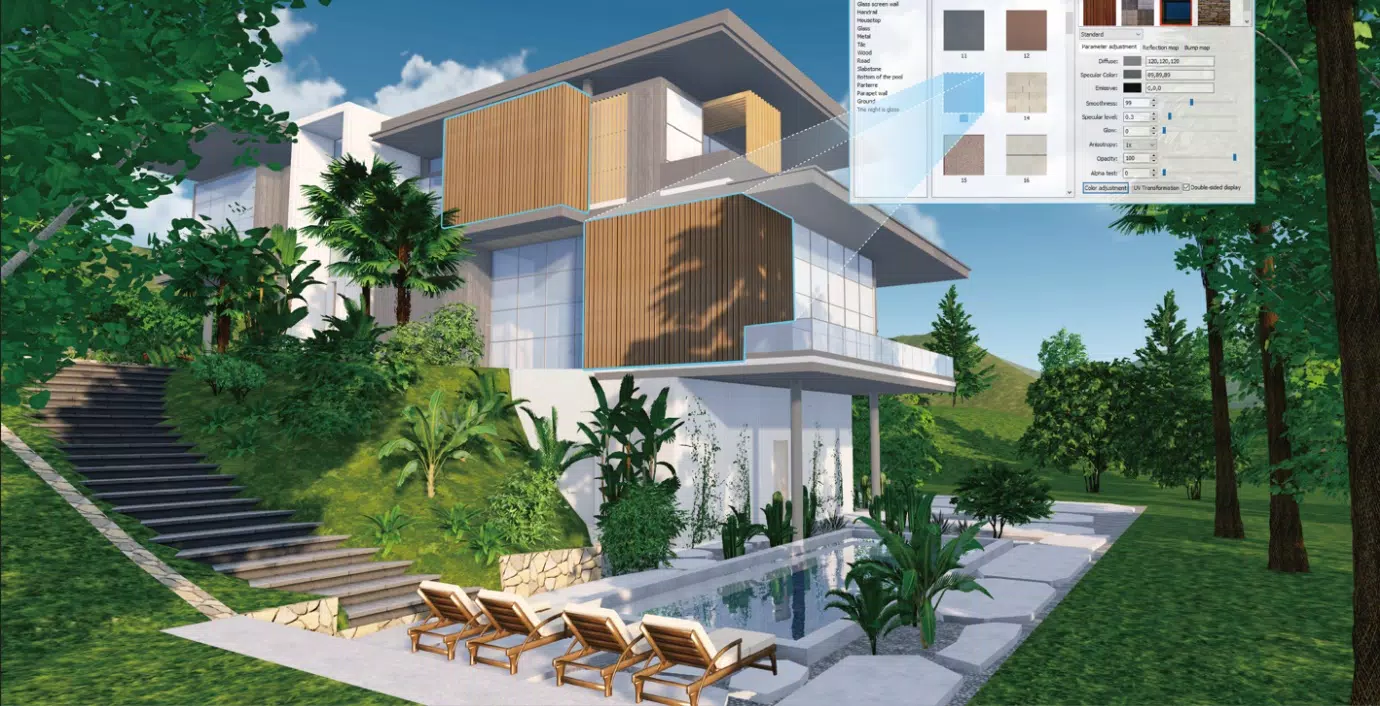
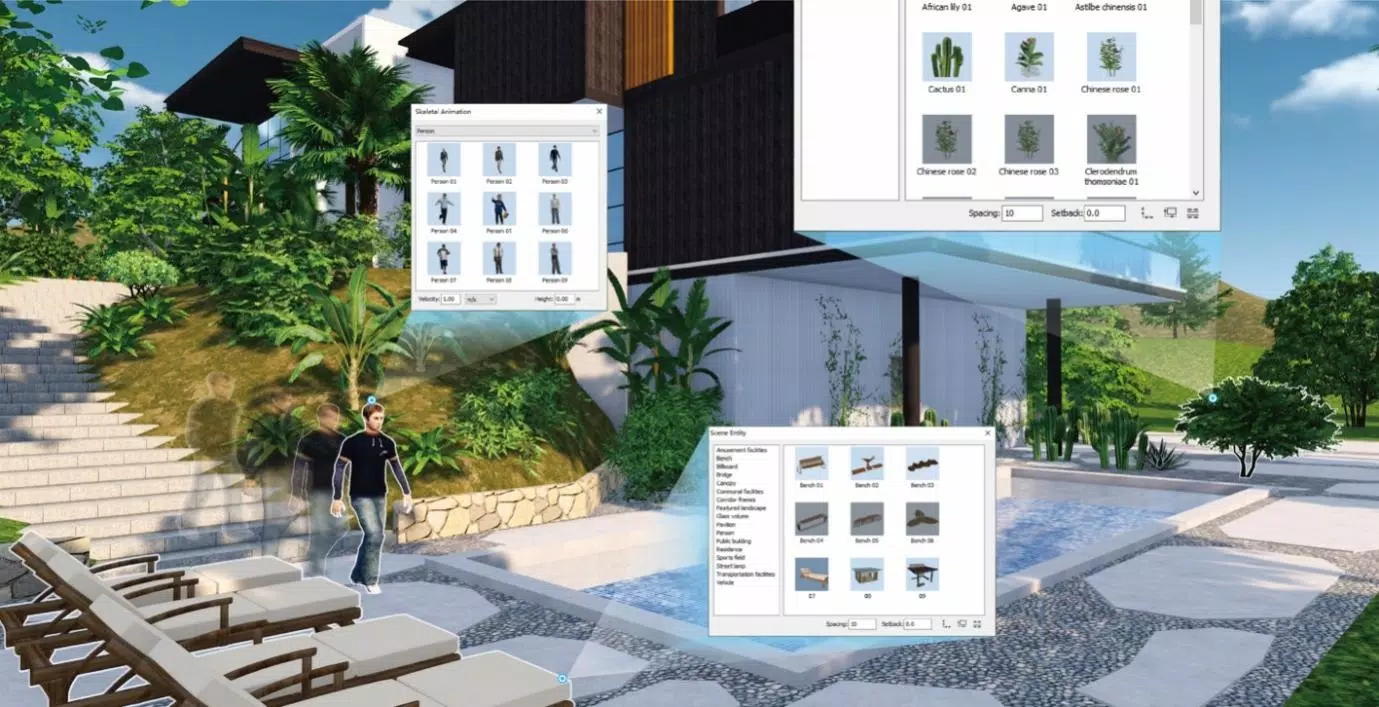
- Extensive Resource Library: Houseplan includes a curated collection of 3D models and textures that can be integrated into projects. These assets cover furniture, fixtures, materials, and architectural elements, enabling users to enrich their designs quickly and professionally.
- Free Trial with Limited Post-Trial Access: Users receive full access to all features for 30 days. After the trial, the ability to save projects is restricted, encouraging users to purchase the app to continue their work. This model allows for thorough evaluation while protecting the developer’s investment.
For example, a homeowner planning a kitchen renovation can use the app to test different cabinet layouts and flooring textures in real time, making informed decisions before hiring contractors. Similarly, a student studying architecture can use the app to visualize building concepts during fieldwork or classroom assignments.
Interface, UX & Performance
The user interface of Houseplan is designed with simplicity and clarity in mind. Navigation is linear and consistent, with toolbars and menus positioned for easy access without obstructing the main workspace. The visual style emphasizes functionality over ornamentation, using clear icons and a minimal color palette to reduce visual clutter.
Users can expect smooth interactions when manipulating 3D objects, rotating views, and applying materials. The app responds promptly to touch inputs, supporting gestures such as pinch-to-zoom and drag-to-rotate. Although the developer did not list formal performance metrics, the app’s lightweight footprint of 25 MB suggests optimized resource usage, which likely contributes to stable operation across mid-range and high-end mobile devices.
Performance on different device categories was not explicitly detailed, but the app’s design implies compatibility with a broad range of Android devices. Responsiveness remains consistent during modeling sessions, and there were no reported stability issues in the available information. The app maintains a steady frame rate during rendering, ensuring that users experience minimal lag when making adjustments.
Platform Compatibility & Technical Requirements
Houseplan is available exclusively on the Android platform. It requires Android OS version 8.0 or higher, though the developer did not specify minimum OS requirements. The app has a file size of 25 MB, which is considered lightweight for a 3D modeling tool, indicating efficient code optimization and minimal bloat.
Installation requires elevated permissions, which may be necessary for accessing device storage, camera, or system-level features. Users should be aware of these permissions during setup and review them carefully. The app’s version is 1.2.5, and it was released on April 10, 2024.
Compatibility information was not fully disclosed, so users should ensure their device meets general Android standards for running 3D applications. No iOS version or other platform availability was mentioned.
Pros and Cons
Pros
- Intuitive interface suitable for beginners and professionals
- Real-time rendering enhances design accuracy and workflow efficiency
- Multiple modeling methods support diverse design approaches
- Extensive library of 3D models and textures for faster project development
- 30-day free trial with full functionality for risk-free evaluation
Cons
- Post-trial restrictions limit saving projects, requiring purchase to continue work
- Only available on Android; no iOS or desktop version disclosed
- Developer did not provide detailed system requirements or performance benchmarks
- Installation requires elevated permissions, which may raise privacy concerns
- Limited information on long-term update frequency or developer support
FAQ
Is Houseplan free to download?
Yes, Houseplan offers a 30-day free trial with full access to all features. After the trial, users must purchase the app to continue using it without restrictions.
Can I save my designs after the free trial?
Post-trial, the ability to save drawings is limited. To retain and export your projects, a purchase is required.
Is Houseplan available on iOS?
As of the latest information, Houseplan is only available on Android. There is no official iOS version or announcement regarding future releases.
What permissions does Houseplan require?
The app requires elevated permissions for installation, which may include access to storage and system features. These permissions are necessary for full functionality, but users should review them during setup.
How often does Houseplan receive updates?
The developer did not specify the update frequency. Users are encouraged to check the app store for the latest version and improvements.
Final Thoughts
Houseplan stands out as a compact, mobile-first solution for 3D modeling and architectural visualization. Its intuitive interface, real-time rendering, and rich resource library make it a compelling choice for users who need a lightweight yet capable tool for home and design projects. The 30-day trial allows for thorough evaluation, giving users confidence in their decision to purchase.
While the lack of iOS support and post-trial limitations may deter some, the app’s value proposition remains strong for Android users focused on affordability, portability, and ease of use. Whether you're planning a renovation, exploring architectural concepts, or learning 3D design, Houseplan delivers practical tools in a streamlined package.
Download Houseplan now


